
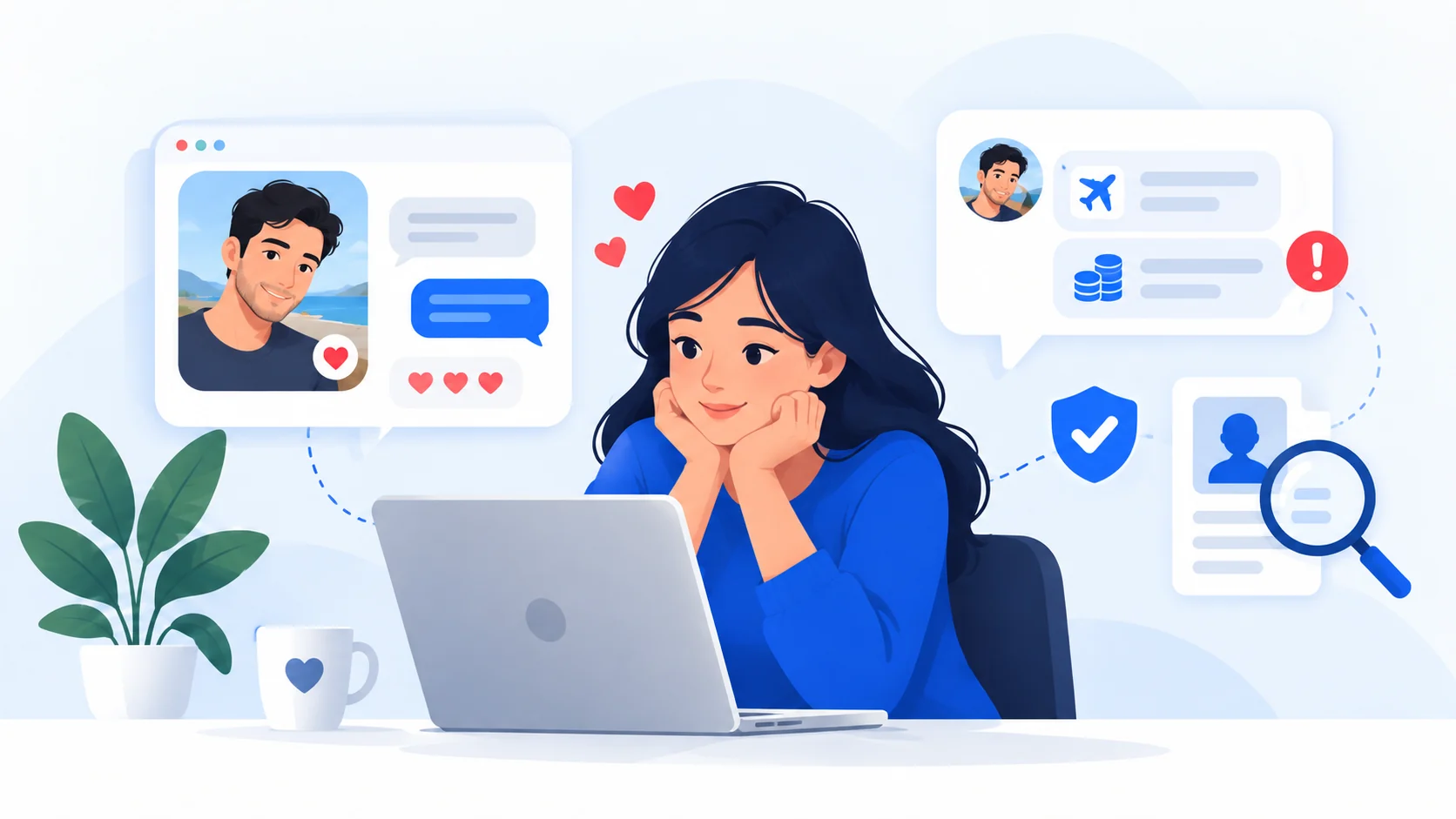
Why AI brands are useful bait
Popular AI services attract people who are actively searching for new tools, downloads, subscriptions and integrations. That creates an opportunity for attackers to imitate trusted brands in search results, advertisements, social posts, email and software-download pages.
Microsoft Threat Intelligence has documented campaigns impersonating AI products including ChatGPT, Microsoft Copilot, DeepSeek and Claude. The observed outcomes have included credential theft, payment-card theft, malicious downloads and malware installation.
These campaigns do not mean the real AI services were compromised. The attack is the impersonation.
Common fake-AI patterns
A fake or misleading AI service may appear as:
- a lookalike website using a familiar product name or logo;
- a sponsored/search/social advertisement leading to an unrelated domain;
- a fake desktop application, browser extension or “plugin”;
- a fraudulent subscription or payment page;
- a cloned login page designed to capture credentials or session information;
- a fake installer hosted on a code-sharing or download platform;
- a verification/download flow that tells you to run a command on your device.
No single cosmetic feature proves fraud. A real-looking interface, HTTPS certificate, professional branding or positive-looking page can all be reproduced.
Verify the distribution path, not just the branding
If you want an AI provider's application, extension or subscription, start from the provider's own official website or documentation and follow its links outward from there.
For example, OpenAI publishes its official websites, communication domains, social accounts and app-download links in its own verification guidance. That authoritative list is stronger evidence than an advertisement, search snippet or third-party page claiming to be “official.”
Use the ScamMark AI website/app verification guide for a repeatable process.
Watch for ClickFix-style verification
Some malicious campaigns place a fake CAPTCHA, “security verification” or error page between the advertisement/search result and the payload. If that page asks you to open Run, PowerShell, Command Prompt, Terminal or another system shell and paste or execute commands, stop.
Read the ScamMark ClickFix Safety Rule. A routine verification page should not require system-command execution.
What the ScamMark checker can and cannot tell you
The ScamMark checker can inspect domain registration, DNS, redirects, page identity and selected technical signals, and it can analyze suspicious pasted text for defined warning patterns.
It cannot certify an AI service as genuine simply because no technical warning is detected. A deceptive site can use an older domain, valid HTTPS and professional hosting. Verification still needs to include the claimed provider, publisher identity and official distribution channel.
Campaign details change; verification principles last longer
Specific fake domains, malware families, advertisements and installers disappear and reappear under new names. Those are useful dated examples, but they are not the core rule.
The durable defense is to verify who published the service, which domain you are actually on, where the download came from, what the page is asking you to do, and whether those facts match the provider's official information.
Sources and references
These sources support the factual guidance and analysis on this page. For reporting, legal, financial or provider-specific procedures, follow the linked organization’s current instructions.
- AI brands as bait — how threat actors are using the AI hype in social engineeringMicrosoft Security Blog
- Detect and disrupt AI-themed attacks with Microsoft DefenderMicrosoft Security Blog
- Verifying Communications from OpenAIOpenAI Help Center