
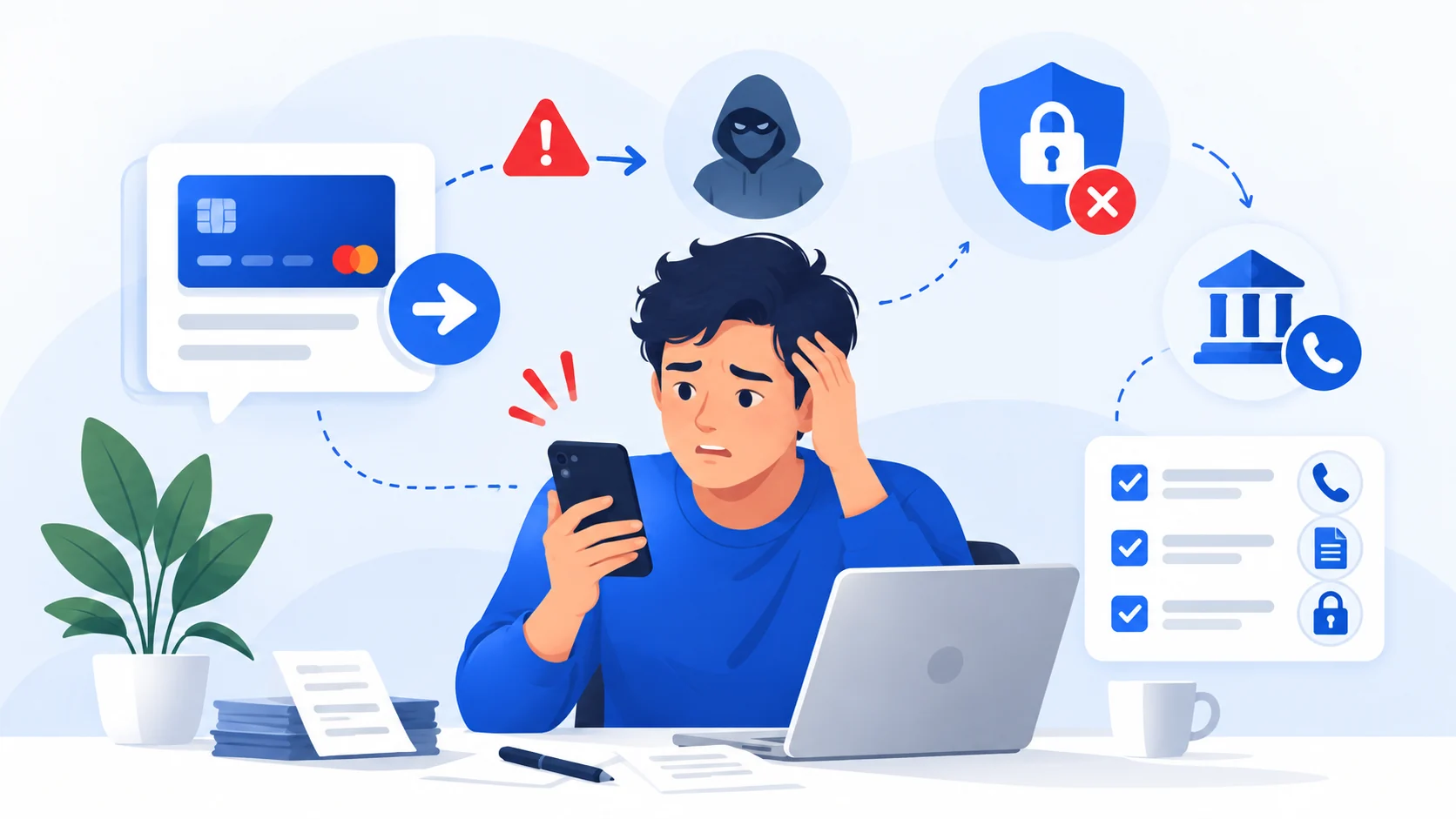
If you only opened the page
Close it. Do not download anything, allow notifications, install a profile, approve a login, enter credentials or follow instructions that tell you to run commands on your device.
A click by itself does not always mean an account or device was compromised, but you should pay attention to what the site did next.
If you entered a password
Change the password on the real service immediately. If the same or a similar password was used elsewhere, change those accounts too. Turn on multifactor authentication and review recent sessions, login history and recovery settings.
Start with your email account if it was affected, because email often controls password resets for other services.
If you entered payment or identity information
Contact the relevant bank/card provider if financial details were exposed. For identity information, follow official identity-theft guidance in your jurisdiction.
If you downloaded or ran something
Stop entering sensitive information on that device. Update the operating system and security tools, run a scan, remove anything identified as malicious, and change important passwords from a device you trust if compromise is plausible.
If you gave someone remote access, assume they may have seen more than the specific screen you intended to share.
Preserve the message
Before deleting it, capture enough information to report the sender, URL and method used. Avoid repeatedly opening a suspicious link just to collect more evidence.
Sources and references
These sources support the factual guidance and analysis on this page. For reporting, legal, financial or provider-specific procedures, follow the linked organization’s current instructions.
- How To Recognize and Avoid Phishing ScamsU.S. Federal Trade Commission
- Malware: How To Protect Against, Detect, and Remove ItU.S. Federal Trade Commission
- What To Do if You Were ScammedU.S. Federal Trade Commission