
When a suspicious message comes from Facebook or Instagram, use the social-profile verification worksheet to check identity separately from the message text. ScamMark cannot authenticate the account.
Check the request before the sender
Ask what the message wants you to do. Common high-risk requests include clicking a link, opening an attachment, sharing a password or verification code, moving money, paying an unexpected fee, installing software, scanning a QR code or continuing the conversation on another platform.
Look for pressure, not just spelling mistakes
Modern scam messages can be polished. Stronger warning signs are unexpected contact, urgency, secrecy, unusual payment instructions, threats, a request to bypass normal procedures, or a claim that you must act before you have time to verify.
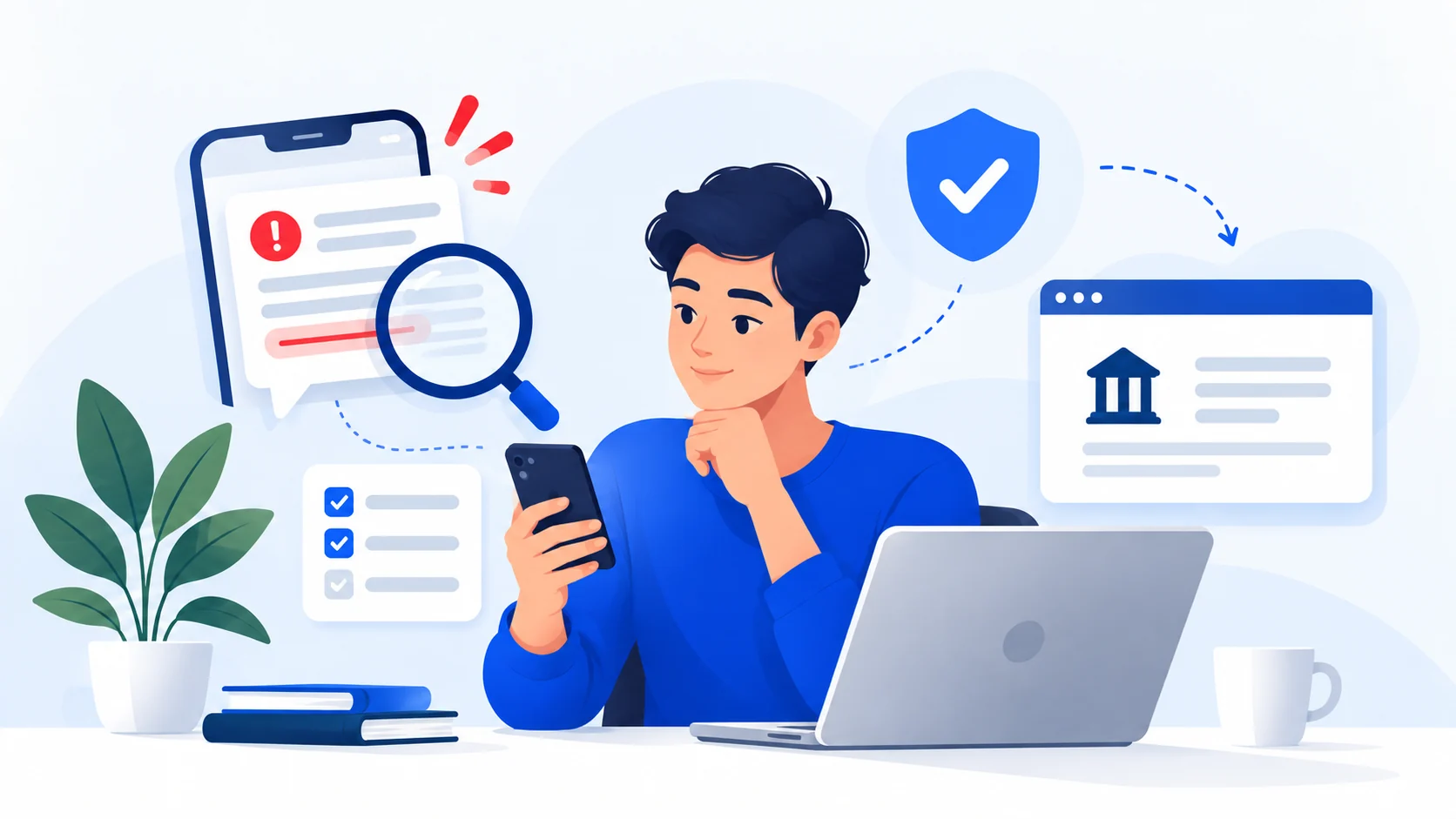
Verify outside the conversation
If the message claims to be from your bank, delivery company, employer, marketplace or government agency:
- Do not use the link or number in the message.
- Open the organization’s official app, type its known website yourself, or use a trusted number from a statement or card.
- Ask whether the alert, transaction or request is real.
- If the message claims to be from a person you know, contact that person through a different channel or existing conversation.
Check links without visiting them
On a desktop, you can hover over a link to inspect the destination. On a phone, a long-press may show the target. Look at the actual domain, not the words around the link. Small spelling changes, added words and unrelated domains matter.
Do not rely on HTTPS or the padlock as proof of legitimacy. Encryption protects the connection; it does not establish who is operating the site.
If you already responded
If you only replied but shared nothing sensitive, stop the conversation and block/report the account if appropriate. If you clicked, downloaded something, shared credentials, sent money or gave remote access, use the relevant recovery guide immediately.
Unexpected job calls and recruitment chats
If an automated caller asks you to add a recruiter on WhatsApp, or a message offers remote work without explaining the employer or position, use the independent recruitment verification steps. ScamMark can examine a pasted message for some patterns locally in your browser, but cannot identify the real owner of a phone number or verify an employer.
Common questions
Can a message be fake even if it knows my name?
Yes. Names, phone numbers, email addresses and other personal details can come from public records, data breaches, compromised accounts or previous transactions. Personalization is not proof of authenticity.
Is caller ID or the sender name proof?
No. Caller ID and sender identities can be spoofed or made to look familiar. Verify through a separate channel.
Sources and references
These sources support the factual guidance and analysis on this page. For reporting, legal, financial or provider-specific procedures, follow the linked organization’s current instructions.
- What are the signs of a scam?U.S. Federal Trade Commission
- How To Recognize and Avoid Phishing ScamsU.S. Federal Trade Commission
- How To Avoid a ScamU.S. Federal Trade Commission
- Social engineering scamsINTERPOL