
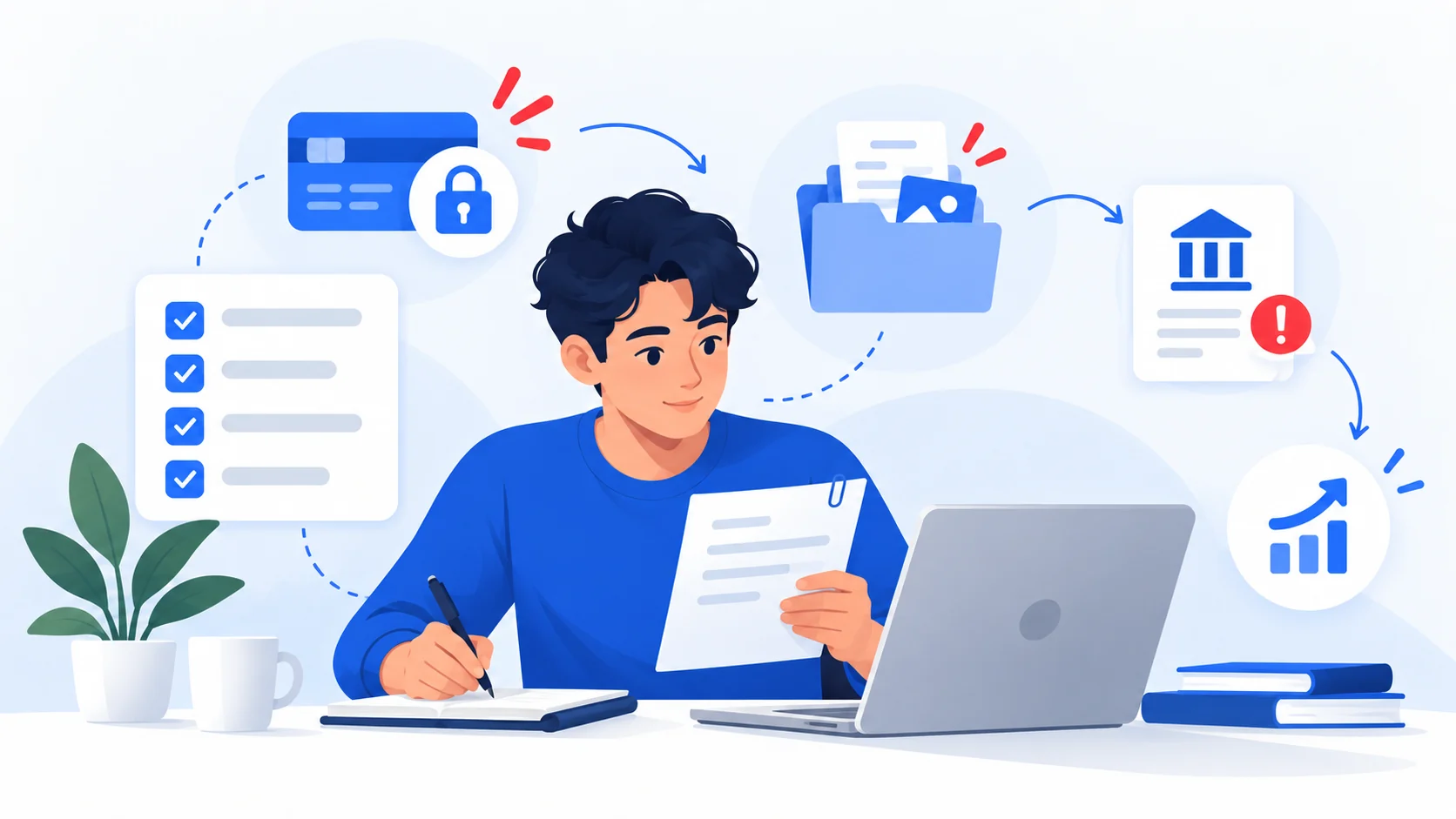
An automated voice tells you there is a job waiting. The caller gives little detail but asks you to call back, add a number on WhatsApp or speak to a supposed recruiter. Or the first contact is an unexpected text offering flexible work and unusually high pay. Neither a call nor a WhatsApp message proves the offer is fraudulent. But neither verifies a recruiter, employer or vacancy. Check each claim before replying, sharing documents or moving money.
A recruiter presenting an Instagram or Facebook profile is not independently verified by that profile. Use the social-profile verification guide alongside these recruiter-specific checks.
Why this warning matters now
On 9 October 2026, the UK Information Commissioner's Office (ICO) reported 1,374 complaints about automated nuisance calls in July, 2,178 in August and 3,684 in September 2026 — an increase of roughly 168% from July to September. The ICO noted concern about calls that try to move people into WhatsApp groups or induce disclosure of personal information or payments. These are UK complaints about automated nuisance calls of all types, not confirmed WhatsApp recruitment fraud cases, a global measure or a count of unique callers.
On 2 October 2026, UK communications regulator Ofcom separately warned about recorded job-offer calls and brief missed calls designed to prompt a callback, potentially exposing callers to pressure, stolen information or expensive premium-rate calls. The two agencies describe related risks; neither establishes that every automated call is criminal. Their findings are a timely example, not a universal fraud-rate forecast.
How an unexpected recruitment contact can unfold
- First contact: an unknown number delivers a recorded job offer or sends a generic message about a remote position. The employer, exact role or origin of the contact may be unclear.
- Channel shift: a caller asks you to return the call or continue on WhatsApp, Telegram or another messaging service. Moving platforms can separate the conversation from a real job advert or independently verifiable employer record. Plenty of legitimate recruiters also use messaging apps; the shift alone is weak evidence.
- Borrowed identity: a profile photo, logo, employee name, company website or document may imitate a real agency. A recruiter claiming to represent a genuine company does not prove authorization from that company.
- The decisive request: a supposed employer asks for a fee, cryptocurrency deposit, sensitive identity records before verification, control of your device or use of your personal bank account to move funds. These demands warrant a stronger response than unfamiliar caller ID or a generic greeting.
The FTC, FBI and Australian Scamwatch have documented fake hiring approaches using recognizable employer names, messaging apps, task platforms and payments framed as access to work or commissions. The mechanism, not the app itself, is the useful signal.
A six-step independent recruiter check
Do not use the suspicious caller's links, QR codes or telephone number to confirm their own identity. Work outward from information you find independently.
- Record the precise claim. Write down the employer name, advertised job title, claimed recruiter's name, salary, where you supposedly applied and any deadline. You do not need to reply to obtain missing details from an unsolicited recorded call.
- Find the employer yourself. Search for its official company site or an independently established business directory listing. For familiar brands, start from the official careers site, not the URL supplied in a chat. A company may exist while a particular offer using its name is fabricated.
- Confirm the vacancy. Look for the same role, location or remote arrangement and recruitment agency on that company's legitimate careers channel. Absence of a public listing is not automatically proof of fraud, but requires confirmation before proceeding.
- Confirm the recruiter through a separate channel. Contact HR or the hiring team using contact details you obtained independently. Ask whether they authorized that person, phone number, role and requested next step. A matching logo, profile or company-themed email alone is not sufficient.
- Examine requests for money or documents. Never pay to secure a role or unlock your wages. Before legitimate onboarding, avoid uploading identity records or banking credentials to a link delivered in an unexpected message. Be especially wary of cryptocurrency deposits, gift cards, “equipment reimbursement” checks and receiving/transferring money for strangers.
- Choose a next step. If the company confirms the role and contact, continue through its independently verified channel. If verification fails, stop interacting; preserve the evidence and report/block through the appropriate app, carrier or local authority. If still uncertain, do not send money or sensitive information.
Your six-point recruiter verification worksheet
For each step, record your own assessment. ScamMark cannot verify the caller, phone number, WhatsApp profile, recruiter or employer using this worksheet. Choices stay on this page in your browser and are not transmitted or saved.
Pause before replying, sharing documents or making a payment. Independent verification comes first.
Task scams: why a small first payment is not a credential
A so-called recruiter may offer “product boosting,” ratings, app optimization or other repetitive clicks. A dashboard appears to accumulate commissions. Some schemes send a small real payment early to build trust, then demand cryptocurrency or other deposits to unlock the next batch of tasks or withdraw supposedly earned money. The dashboard balance may be fictional even if the first payment was real.
The FTC's task-scam guidance, FBI's work-from-home alert, Canadian Anti-Fraud Centre and Australian Scamwatch all document versions of this pattern. Never deposit money to unlock your supposed earnings. Do not infer the employer is real because the app loads, coworkers appear in group chat, or a first commission arrives.
Money-mule offers: when the job is moving somebody else's funds
A supposed “payment processor,” “financial agent” or “accounts assistant” job may tell you to receive money through your personal bank or payment account, keep a commission and forward the remainder, sometimes as cryptocurrency. This can involve proceeds of crime and expose you to frozen accounts, repayment claims or criminal investigation, even if you did not understand the full arrangement. Do not accept or transfer additional funds; contact your bank promptly if this has already happened. See the money-mule recruitment guide.
What the warnings do — and do not — establish
Stronger reasons to stop: requests to pay for a job or task access, send cryptocurrency to release earnings, surrender passwords/one-time codes, grant remote access or forward third-party money through a personal account.
Reasons to investigate, not accuse: unsolicited contact, WhatsApp use, a foreign or hidden number, polished messages, a short hiring timeline, or a missing public vacancy. Caller ID can be spoofed, but not every unexpected offer is fraudulent. Even an official-looking business registration or employment contract cannot independently establish who sent a particular message.
If the contact provides a web address, use the free website/domain checker to inspect limited public technical signals. If you have the text of an invitation, the browser-side message checker can flag some recognizable patterns. Neither tool checks whether a phone number, WhatsApp account, recruiter or employer is genuine. Do not paste passwords, personal identification numbers, one-time codes, banking details or complete identity documents.
If you already responded: act according to what happened
- You only answered or added the contact on WhatsApp: stop further engagement. Save relevant evidence before blocking or reporting; review WhatsApp's block and report instructions. WhatsApp reporting can share recent messages with WhatsApp, so consider what is in the chat before reporting.
- You shared your name or ordinary contact details: expect further approaches, watch for impersonation and do not use links or numbers they supply to verify themselves. Contact the genuine employer separately if it was impersonated.
- You uploaded identity documents or sensitive personal data: stop sharing, save records and follow your country's official identity-theft guidance. Where appropriate, notify the institution whose credentials or identity document were exposed.
- You disclosed a password, code or banking credentials: contact the affected provider through an independently known channel; change compromised passwords and secure email and financial accounts urgently. See immediate recovery steps.
- You paid a fee, deposited crypto or sent money: contact the bank, wallet, card issuer or transfer provider immediately, explain the suspected fraud and ask what intervention or dispute options remain. Save transaction identifiers. Recovery is not guaranteed. Follow payment recovery guidance.
- You installed an app or granted remote access: stop using the affected device for banking until you've secured accounts from another trusted device and sought appropriate technical help. See account recovery guidance.
- You received or forwarded money as a supposed employee: do not forward more. Contact the financial institution, preserve transaction records and seek advice from the appropriate authorities; do not attempt to quietly reroute or spend the funds.
Where to report
Report the contact through WhatsApp or the relevant telecom provider and, where appropriate, your local fraud-reporting authority. Reporting routes vary by country. In the UK, Ofcom discusses forwarding suspicious calls/texts to 7726 (network support may vary) and the ICO accepts complaints about nuisance marketing calls. In the US, the FTC accepts reports at ReportFraud.ftc.gov and cyber-enabled job fraud can be reported to IC3. In Canada, consult the Canadian Anti-Fraud Centre. In Australia, see Scamwatch. These country-specific channels are examples, not global reporting procedures. ScamMark's reporting guide helps choose the right channel.
The decision to remember: A job offer is not verified because a recorded voice called, a WhatsApp profile appears professional or a company name is familiar. Verify the employer, vacancy and recruiter outside the conversation, then decide whether to continue.
Sources and references
These sources support the factual guidance and analysis on this page. For reporting, legal, financial or provider-specific procedures, follow the linked organization’s current instructions.
- Complaints about automated nuisance calls hit five-year high (9 October 2026)UK Information Commissioner's Office
- Beware of job offer and missed call scams (2 October 2026)UK Ofcom
- That job offer text is probably a scam (April 2026)U.S. Federal Trade Commission
- How to spot and avoid task scamsU.S. Federal Trade Commission
- Scammers Defraud Individuals via Work-From-Home ScamsFBI Internet Crime Complaint Center
- Job fraudCanadian Anti-Fraud Centre
- Scam alert — Job recruitment scams (20 May 2026)Australian Scamwatch
- About suspicious messages and scamsWhatsApp Help Center
- How to block and report someoneWhatsApp Help Center