
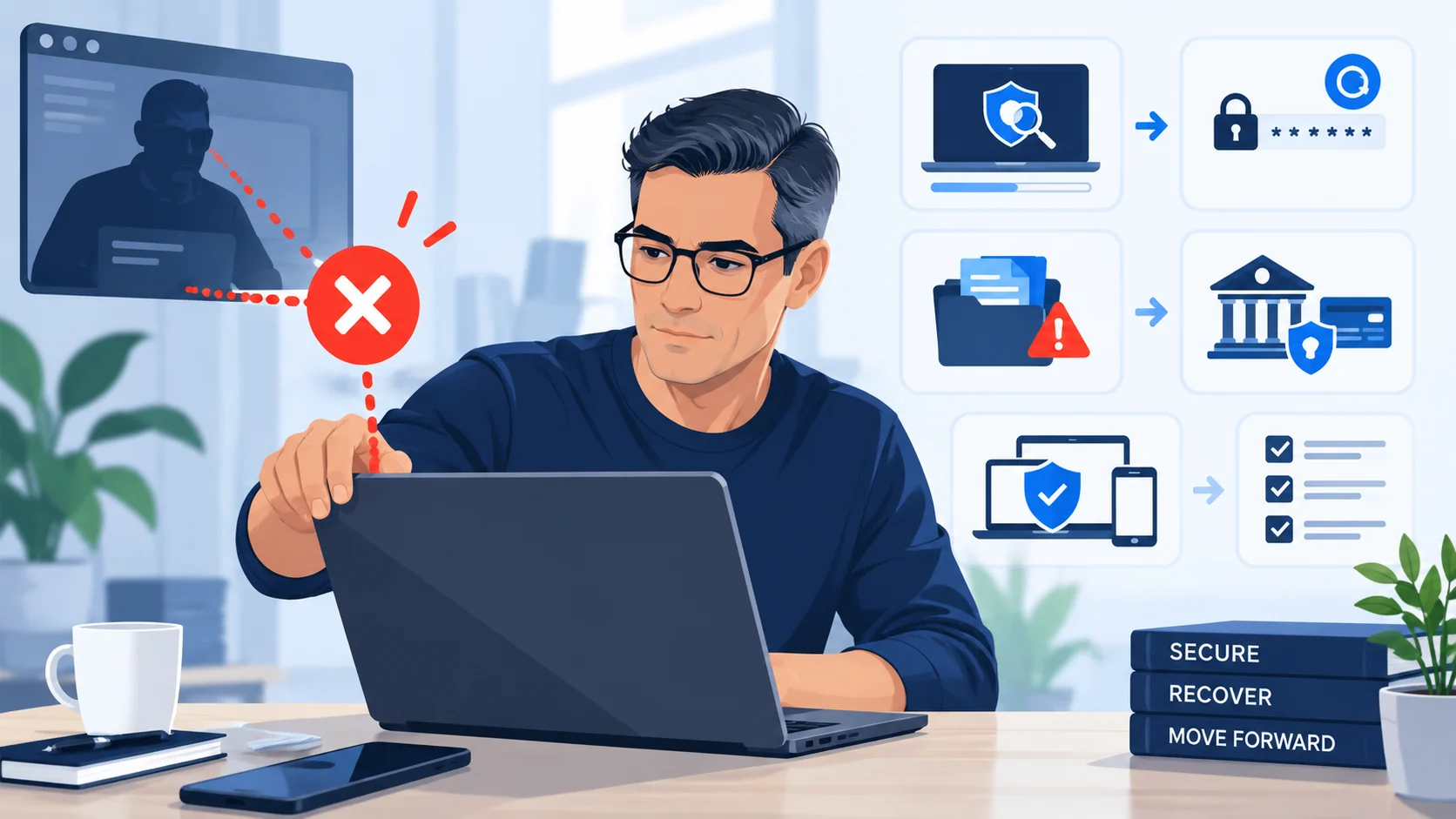
How the trap starts
The scam may begin with a browser pop-up, fake security alert, unexpected phone call, search result or renewal invoice. The message claims your device is infected, your subscription renewed, your account is compromised or a refund is waiting.
The next step is usually more important than the warning itself: call this number, install this remote-access tool, share this code or log in while the caller watches.
Why remote access changes the risk
Remote-control software has legitimate uses. In the wrong hands it can let a scammer see your screen, move the mouse, install software, copy files or guide you through banking transactions while pretending to “fix” something.
A scammer may also obscure part of the screen, claim a refund was entered incorrectly, or tell you that a bank transfer is needed to correct an error.
A newer variation: fake verification that asks you to run commands
Not every technical scam begins with a phone call or remote-control app. ClickFix-style pages imitate CAPTCHA, browser or security verification and then instruct the visitor to open Run, PowerShell, Command Prompt, Terminal or another system shell and paste or execute commands.
That is not normal human verification. See the ScamMark ClickFix Safety Rule.
Strong warning signs
- an unsolicited caller says your device has a serious problem;
- a browser warning tells you to call a phone number;
- support asks you to install remote-control software before identity is verified;
- you are told to open online banking during the session;
- the caller asks you to ignore bank warnings or approve transactions;
- a supposed refund requires you to send money back.
Safer verification
Close the message or browser tab if possible. Use the software vendor's official website, your device manufacturer's support channel or a trusted local technician. If you think malware may be present, update security software and scan the device without following instructions from the unexpected contact.
If remote access was already granted, disconnect the device from the network if practical, end the remote session, secure important accounts from a trusted device and review financial activity promptly.
Sources and references
These sources support the factual guidance and analysis on this page. For reporting, legal, financial or provider-specific procedures, follow the linked organization’s current instructions.
- How To Spot, Avoid, and Report Tech Support ScamsU.S. Federal Trade Commission
- Tech Support ScamsScamShield (Singapore)
- Take control of your digital life — online financial scamsEuropol