
A message from an old account can still be suspicious if that account has been taken over. The social-profile verification guide distinguishes cloned profiles from compromised genuine accounts.
Account takeover is often a second stage
A phishing link, stolen password, malicious app, SIM-swap attempt or reused credential can give an attacker access to an account. Once inside, the attacker may change recovery details, read private messages, impersonate you, reset other accounts or target your contacts.
Email is especially important because many services use it for password resets.
Warning signs
- password or recovery details changed without you;
- login alerts from unfamiliar devices or locations;
- messages sent from your account that you did not send;
- friends receive money requests or suspicious links from you;
- your phone unexpectedly loses service or your number changes;
- new forwarding rules or filters appear in email;
- financial or shopping accounts show unfamiliar activity.
Secure the recovery path first
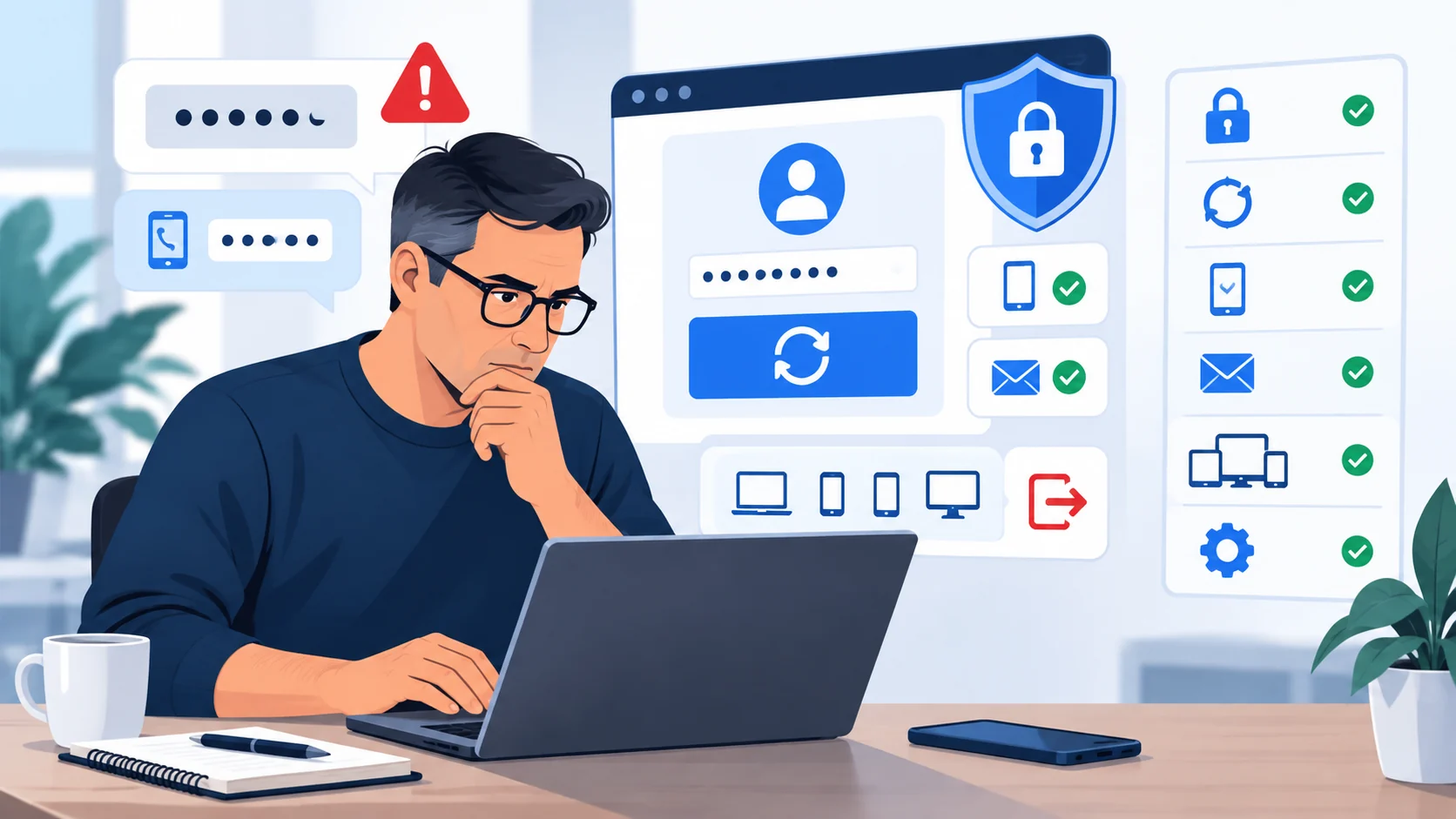
If you still have access, change the password from a trusted device and sign out other sessions. Review recovery email addresses, phone numbers, forwarding rules, connected apps and multi-factor settings.
If the password was reused elsewhere, change those accounts too. Prefer an authenticator app, hardware security key or other phishing-resistant method when available rather than relying only on SMS.
Think beyond the hacked account
An attacker may have used the account to reset other services, copy identity documents or impersonate you. Review financial accounts and important services, tell contacts if your account was used to scam them, and preserve evidence of changes and suspicious logins.
Sources and references
These sources support the factual guidance and analysis on this page. For reporting, legal, financial or provider-specific procedures, follow the linked organization’s current instructions.
- Account or identity takeover scamsScamwatch (Australia)
- How To Recover Your Hacked Email or Social Media AccountU.S. Federal Trade Commission
- What To Do if You Were ScammedU.S. Federal Trade Commission