
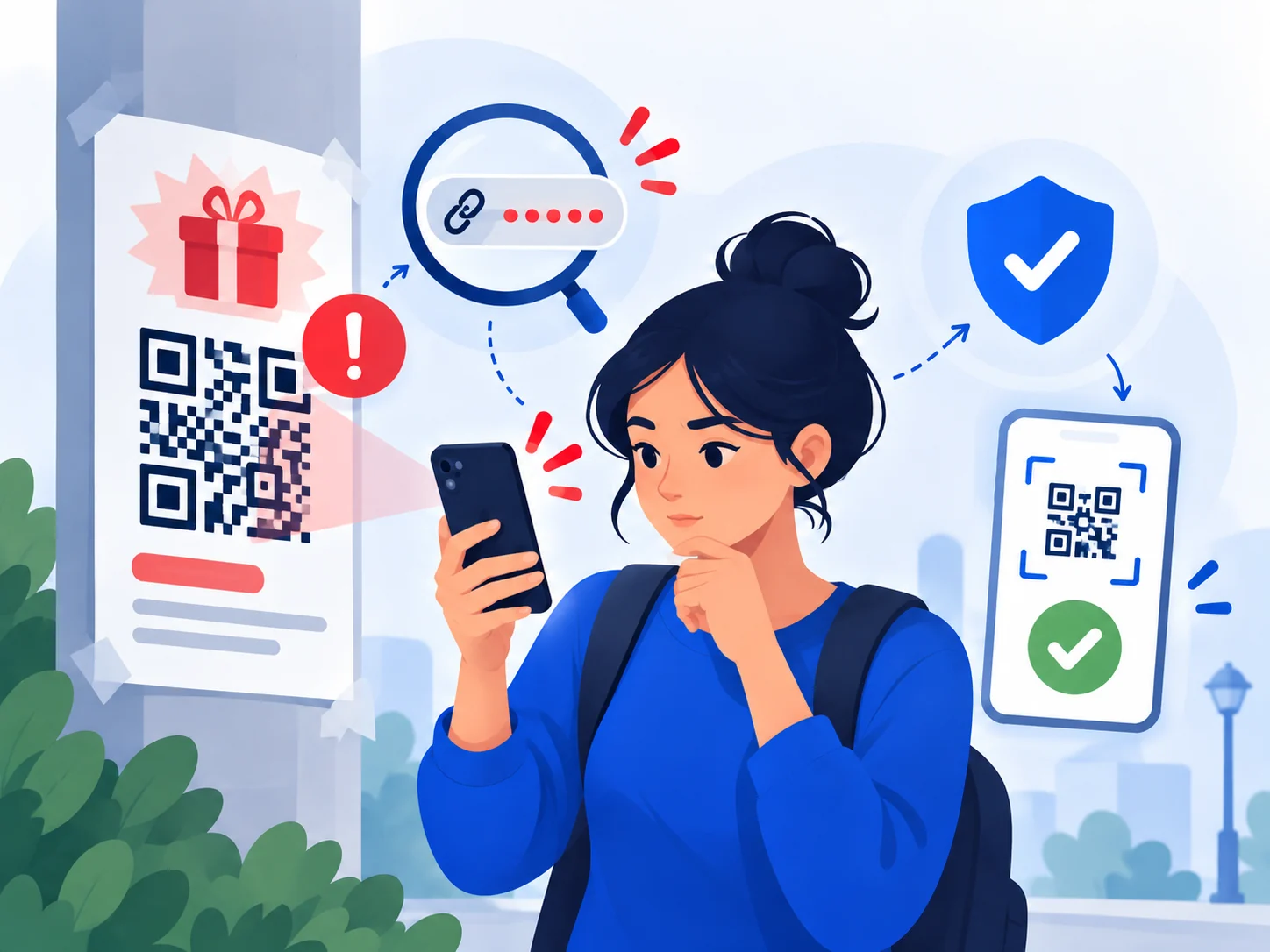
QR codes remove the visible URL from the first decision
With an ordinary link, you may notice a suspicious domain before clicking. A QR code hides that destination until a phone decodes it. That makes the context around the code especially important.
QR phishing can appear in email attachments, printed notices, restaurant tables, parking meters, invoices, posters or unexpected packages. A malicious sticker can also be placed over a legitimate code in a physical location.
Before opening the destination
If your phone shows a preview of the URL, inspect the domain before continuing. For a payment or login, consider skipping the code entirely and opening the official app or typing the known site yourself.
Look for physical tampering when a code is attached to a meter, sign or payment terminal.
If you scanned it already
Scanning alone is not always the harmful step. The risk increases if you entered credentials, payment details, downloaded an app, installed a profile or approved a transaction. If that happened, secure the relevant account or payment method promptly and review what permissions were granted.
Sources and references
These sources support the factual guidance and analysis on this page. For reporting, legal, financial or provider-specific procedures, follow the linked organization’s current instructions.
- Phishing scams — how to spot and report themUK National Cyber Security Centre
- Scam alert — QR code on an unexpected packageU.S. Federal Trade Commission